New Android Features Arrive For Windows 11 Including Remote PC Locking

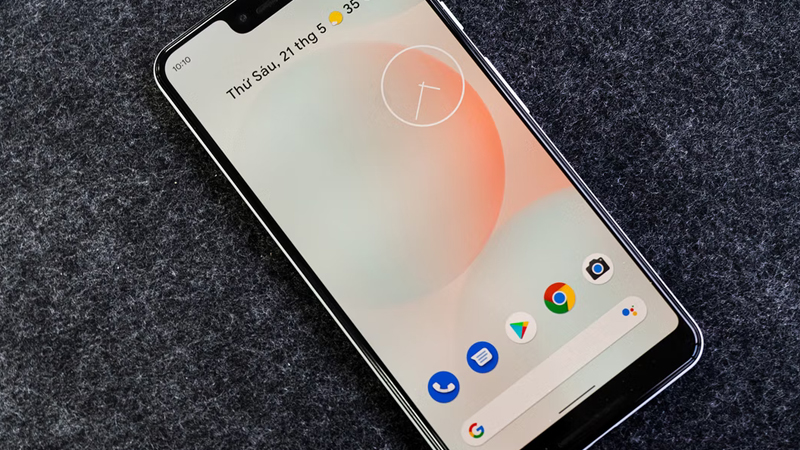
Microsoft recently unveiled a series of updates designed to bridge the gap between Android smartphones and Windows 11 computers. These enhancements are currently rolling out to members of the Windows Insider program specifically within the Beta Channel. Users can expect a more fluid interaction between their mobile devices and their desktop environments. This latest move shows how the company aims to create a unified ecosystem for its diverse user base.
One of the most significant additions allows individuals to lock their computers remotely using their handsets. This function serves as a convenient security measure for those who might forget to secure their workstations before stepping away. A notification will appear on the linked Android phone providing a quick option to lock the Windows PC instantly. This feature integrates directly into the existing mobile device management settings within the operating system.
Microsoft is also refining how notifications from smartphones appear on the desktop interface. The updated experience ensures that alerts from an Android device are more visible and easier to manage while working on a computer. Users no longer need to constantly check their phones for messages because they appear in the Windows notification center. This integration is managed through the Phone Link application which continues to receive regular improvements.
The tech giant is currently testing these features in Windows 11 Insider Preview Build 22635.4515. This specific build includes an overhauled Mobile devices page found within the primary system settings. The new layout provides a clearer overview of connected hardware and their respective permissions. It also simplifies the process of enabling or disabling specific synchronization features according to user preference.
Beyond remote locking and notification management the company is exploring deeper file system integration. Recent developments have enabled users to view their Android phone files directly inside File Explorer. This capability treats the mobile device as if it were an external drive or a cloud storage folder. It allows for seamless dragging and dropping of photos and documents without needing a physical cable connection.
These advancements highlight the ongoing collaboration between Microsoft and various mobile manufacturers to enhance productivity. While these tools are currently limited to testers they are expected to reach the general public in future updates. The focus remains on making the transition between mobile and desktop tasks as frictionless as possible. As the Beta testing phase continues more refinements may be added to ensure stability and ease of use.
Darren Allan at TechRadar reported that these changes are part of a broader strategy to make Windows more appealing to Android users. Many of these features mirror the deep integration seen in rival ecosystems like the one offered by Apple. By providing these tools Microsoft ensures that users do not feel tethered to a single platform for their digital needs. The company continues to listen to feedback from its community to shape the future of these cross platform capabilities.
Tell us if you think these remote locking features will change the way you use your smartphone and computer in the comments.