Google Expands Theft Protection Features on Android

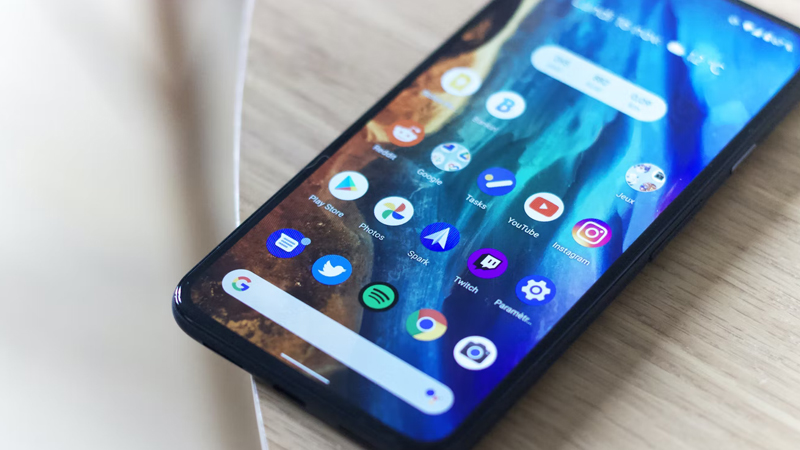
Google has announced a significant expansion of its security measures designed to protect Android users from device theft and subsequent financial fraud. The tech giant is rolling out updates that make it much harder for thieves to access sensitive data even if they physically possess the smartphone. These enhanced protections are being delivered to devices running Android 10 and newer versions through Google Play services updates. The company emphasizes that phone theft often leads to identity theft and unauthorized banking access. By strengthening these barriers, Google aims to provide peace of mind to users who rely on their mobile devices for managing daily finances and personal information.
One of the most critical updates involves the expansion of the Identity Check feature. This security layer previously required biometric verification for accessing specific system settings when the device was outside of a trusted location like home or work. The safeguard now extends to cover all applications that utilize the Android Biometric Prompt system. This means that third-party banking apps and the Google Password Manager will automatically benefit from this heightened security without requiring developers to change their code. Thieves who snatch an unlocked phone will find it nearly impossible to open these sensitive applications without the owner’s fingerprint or facial scan.
Another major improvement focuses on how the device handles failed unlock attempts. The operating system is getting smarter about detecting brute-force attacks where a criminal tries to guess a PIN or pattern. Google has increased the lockout duration after excessive failed entries to slow down potential intruders significantly. The system also introduces intelligent logic to prevent accidental lockouts caused by children or confused owners. It will no longer count identical incorrect guesses toward the retry limit which helps avoid frustrating situations for legitimate users.
For devices running Android 16 and later, users will gain more granular control over these automatic defenses. A new dedicated toggle in the settings menu allows owners to enable or disable the Failed Authentication Lock feature based on their preferences. This feature automatically locks the screen if it detects a sequence of suspicious authentication failures. The Android Security Team designed these changes to create a multi-layered defense strategy that works before and during a theft attempt. These tools aim to render a stolen device useless to a criminal in terms of data extraction.
The final layer of this security overhaul improves the Remote Lock capability. This existing tool allows users to lock their lost or stolen device via a web browser at any time. The update adds an optional security challenge that must be passed before the remote lock command is executed. This step verifies that the person issuing the command is indeed the true owner of the device. These features collectively ensure that a snatched phone does not become a gateway to a user’s digital life.
Share your thoughts on whether these new security measures make you feel safer carrying your smartphone in the comments.