Which Messaging App Least Destroys Photo and Video Quality?

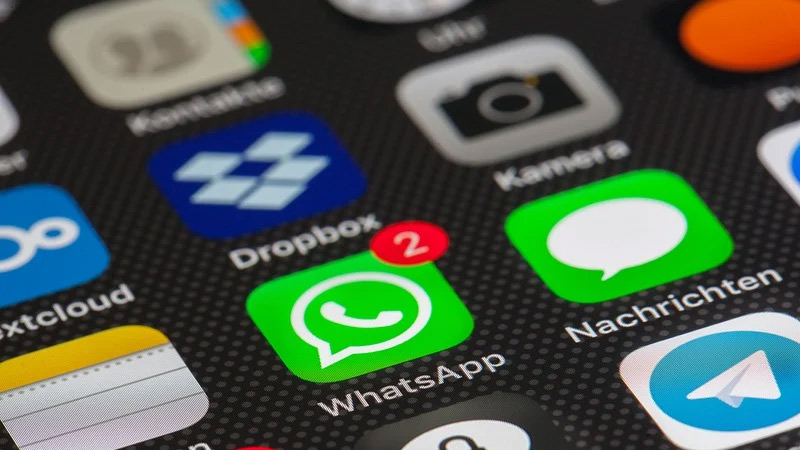
We have all experienced the frustration of capturing a perfect moment in high resolution only to have it turn into a blurry mess when sent to a friend. A recent investigation into popular communication platforms has quantified exactly how much data is lost during this process. The analysis focused on four major players in the market including WhatsApp, Viber, Telegram, and Messenger to see which one degrades media the most. The results reveal startling figures regarding the compression algorithms used by these tech giants to save on bandwidth and server costs.
The most shocking data point comes from the performance of Viber in these tests. The study found that this particular application can reduce the file size of a transferred image by up to 99.9 percent in some cases. This level of compression essentially strips away almost all the fine detail captured by modern smartphone cameras. It turns a crisp and detailed photograph into a mere thumbnail of its former self that looks acceptable only on small screens. Such aggressive reduction explains why zooming in on received images often reveals significant pixelation and artifacts immediately.
WhatsApp and Messenger fared only slightly better in this quality comparison but still showed massive data loss. Both of these widely used platforms were found to reduce file sizes by up to 99.6 percent during standard transfers. This means that for every megabyte of data you intend to send, only a tiny fraction actually reaches the recipient. While this ensures that messages are delivered quickly even on slow networks, it renders the media unsuitable for printing or viewing on larger displays like tablets or desktop monitors. The convenience of instant sharing clearly comes at a heavy price regarding visual fidelity.
Telegram was also included in this comprehensive group test regarding media degradation limits. While it is often praised for having features that allow users to send uncompressed files, the standard media sending methods still apply compression to ensure speed. The investigation highlights that all these applications impose strict limitations on documents and media to maintain service stability for billions of users. The slight differences in percentages between them might seem negligible, but they represent a significant amount of lost color depth and sharpness.
Users who prioritize image quality might need to look for alternative methods or specific settings within these apps. The default behavior for all tested platforms leans heavily towards saving data rather than preserving artistic integrity. It is important to remember that what you see on your camera roll is rarely what your contact sees on their device after the transfer. As smartphone cameras continue to advance with higher megapixel counts, the gap between capture quality and shared quality is widening.
What are your experiences with sharing photos on these platforms and do you have a preferred method for keeping them sharp? Share your thoughts in the comments.