How To Locate Your Missing AirPods Quickly

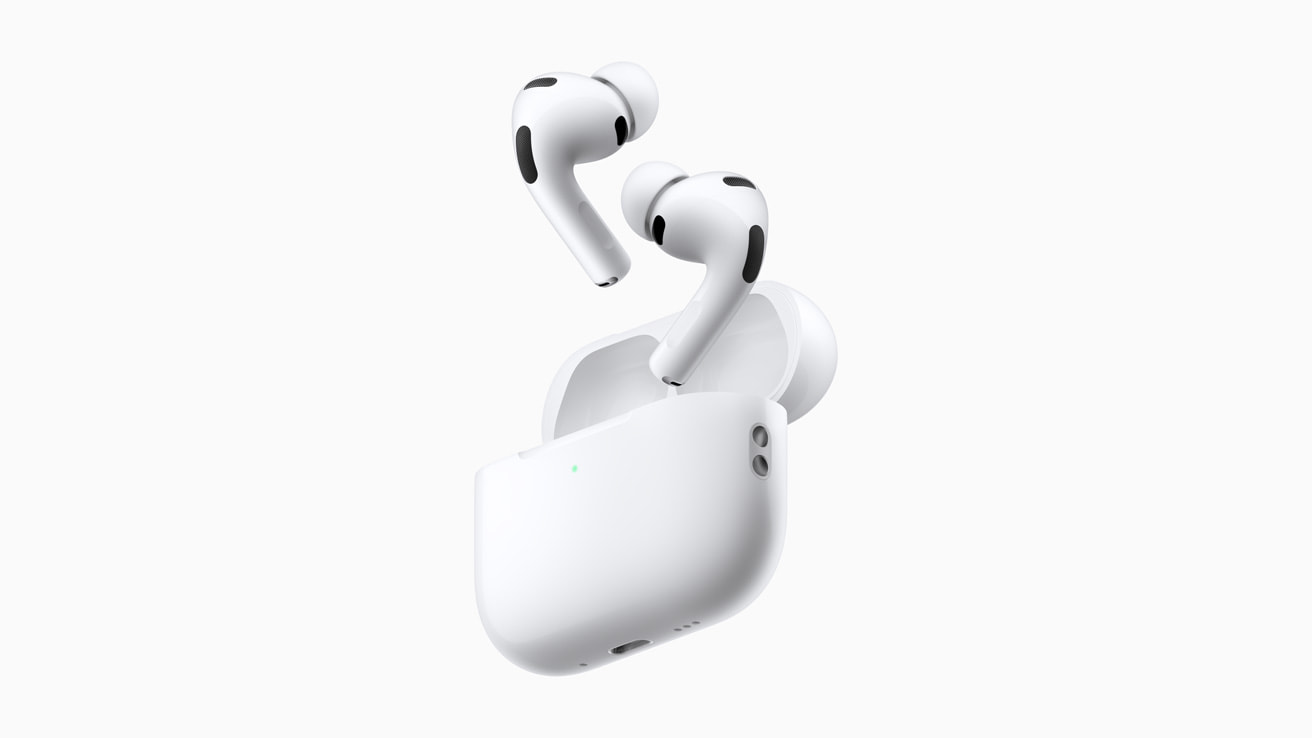
Losing a pair of expensive wireless earbuds happens to even the most careful technology users. These small devices can easily slip between couch cushions or disappear into deep pockets when you least expect it. Apple has developed a robust tracking system to help you recover your property without too much stress. The proprietary application known as Find My is the primary tool you will use during your search operation. It allows your iPhone or iPad to communicate with the missing items as long as they have some battery life remaining.
You do not need to manually activate this tracking feature if you have already paired the headphones with your iCloud device. The system automatically adds them to your list of traceable gadgets the moment you connect them for the first time. You simply need to open the Find My app on your phone and navigate to the Devices tab to see a map. This interface displays the current location of your gear if it is currently online and within range. It will show you the last known location where the signal was detected if the battery has completely died.
One of the most useful features for locating a nearby item is the ability to play a sound. You can trigger the earbuds to emit a chirping noise that gradually gets louder over a few minutes. This is incredibly helpful when you know the device is in the room but you just cannot see it. You can even choose to play the sound on just the left or right bud individually to narrow down the search area. Newer models with the appropriate charging case can also emit sounds from the case itself.
Owners of the more recent AirPods Pro or the third generation models have access to an advanced tool called Precision Finding. This feature utilizes the U1 chip inside your phone to guide you directly to the target with high accuracy. The screen transforms into a compass that displays the specific distance and direction you need to walk. Haptic feedback on your phone will vibrate as you get closer to the hidden object. This is significantly more effective than a simple map pin when you are searching inside a cluttered house.
You should enable Lost Mode if you determine that your headphones are truly gone and might be in a public place. This setting locks the device to your Apple ID and prevents anyone else from pairing them to their own phone. You can also leave a custom message with your phone number that will appear on the screen of anyone who finds them. It acts as a digital luggage tag that might encourage a good Samaritan to return your lost property.
Prevention is often the best strategy when it comes to managing small electronics. You can set up separation alerts that will notify you immediately if you leave your headphones behind at a restaurant or park. This gives you the chance to turn around and retrieve them before you travel too far away. If all recovery attempts fail you can contact support to purchase a single replacement bud or case using the serial number.
Please tell us in the comments if you have ever successfully recovered a lost gadget using these tracking tools.