VS Code vs. VSCodium: How Different Is the Open Source Version?

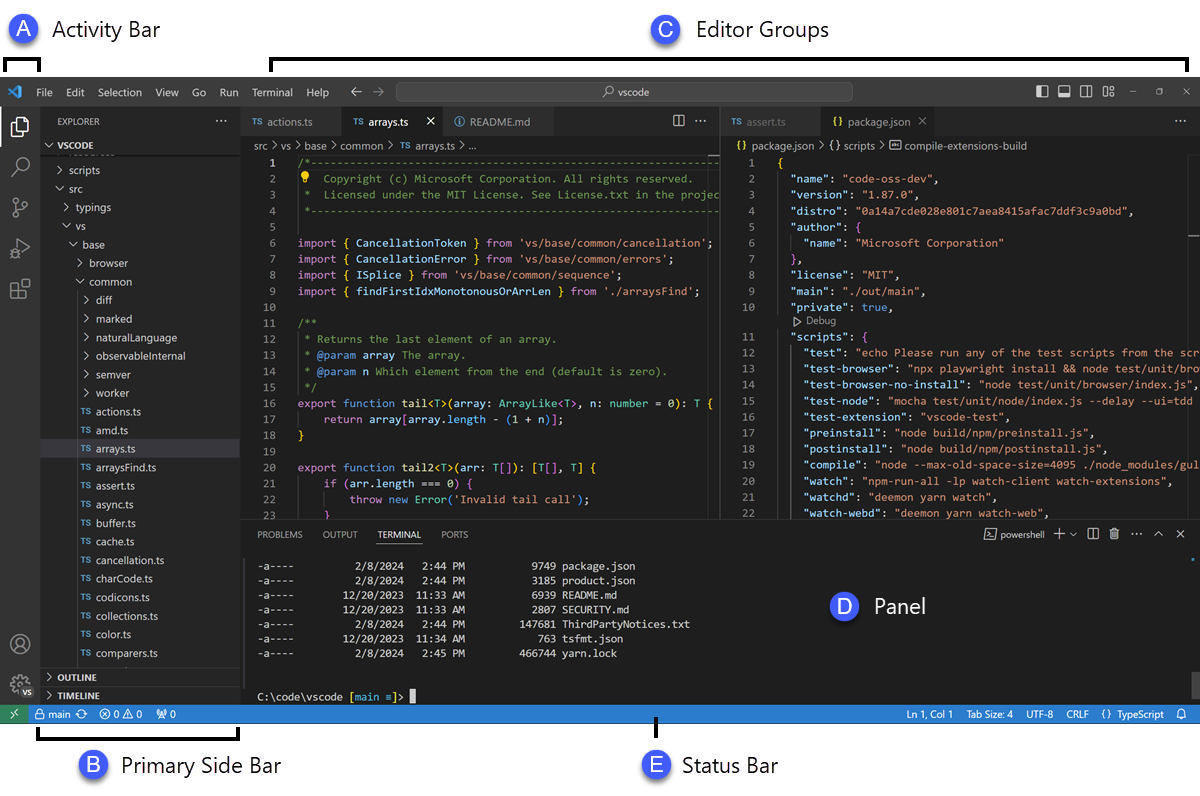
For many developers, the text editor is the most essential tool in their daily workflow. Microsoft’s Visual Studio Code has dominated this market for years, becoming the default choice for millions regardless of their operating system or programming language. However, a growing number of users are switching to an alternative called VSCodium.
To the untrained eye, the difference might seem like nothing more than a name change or a different colored logo. The reality is that the distinctions between these two tools are significant, especially regarding how they are built and licensed. It is important to understand these details before deciding which one to install on your machine.
The primary difference lies not in how you edit code, but in the packaging and distribution process. Microsoft releases the source code for VS Code under a very liberal MIT license, which suggests it is open-source software. This creates an impression of transparency that appeals to the community.
However, the application you actually download from the official Microsoft website is a proprietary binary. This version is governed by a much more restrictive license than the source code itself. When Microsoft builds the official application, they inject a customized file that adds proprietary elements.
These additions include official branding, specific gallery configurations, and telemetry mechanisms. These features track usage data and crash reports to send back to Microsoft. While the code you write belongs to you, the tool itself is part of a closed ecosystem that legally restricts modification and redistribution.
VSCodium was created to bypass this proprietary distribution channel completely. It is a community-driven project that builds the application using special scripts. These scripts clone the original open-source repository but compile it without Microsoft’s proprietary additions.
Because it does not include the customized product file, VSCodium strips out all telemetry and tracking mechanisms. The result is a binary that is open-source from start to finish. For many users, this distinction is the deciding factor in their choice of editor.
Since VSCodium is licensed entirely under the MIT license, you can be certain that the software running on your computer matches the freedom of its source code. If privacy is your main concern, the way these two tools handle data collection is the most critical difference. VS Code collects usage data by default the moment you launch it.
Another major difference involves the extensions ecosystem. The official VS Code binary connects directly to the Microsoft Marketplace, which offers a vast library of plugins. This seamless integration ensures that everything from simple linters to complex debuggers works immediately.
VSCodium, on the other hand, cannot legally access the Microsoft Marketplace. The terms of service state that those extensions are intended solely for Microsoft products. Instead, VSCodium is configured to use the Open VSX Registry, an open-source alternative maintained by the Eclipse Foundation.
While the Open VSX Registry hosts a large number of popular extensions, it is not a perfect mirror of the official marketplace. Some proprietary extensions may be missing or require manual installation. This is often the trade-off users must accept in exchange for a cleaner, tracking-free environment.
Ultimately, the choice comes down to what you value more in your development environment. If you prioritize convenience and immediate access to every possible extension, the official VS Code is likely the better path. If you prefer a strictly open-source tool that respects your privacy by default, VSCodium is the superior option.
We are curious to know which editor you prefer for your daily work. Please share your thoughts and experiences in the comments.